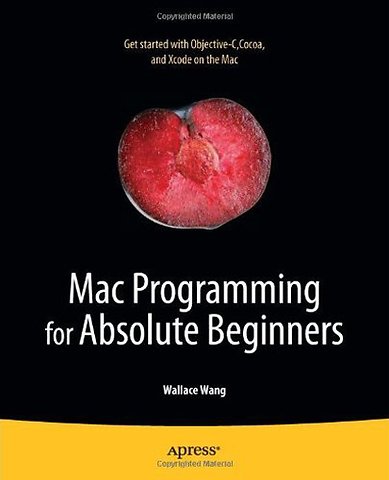
Mac Programming for Absolute Beginners
Paperback Engels 2011 2011e druk 9781430233367Samenvatting
Want to learn how to program on your Mac? Not sure where to begin? Best-selling author Wallace Wang will explain how to get started with Cocoa, Objective-C, and Xcode. Whether you are an experienced Windows coder moving to the Mac, or you are completely new to programming, you’ll see how the basic design of a Mac OS X program works, how Objective-C differs from other languages you may have used, and how to use the Xcode development environment. Most importantly, you’ll learn how to use elements of the Cocoa framework to create windows, store data, and respond to users in your own Mac programs. If you want to learn how to develop apps with Cocoa, Objective-C, and Xcode, this book is a great first step.
Here are just a few of the things you’ll master along the way:
Fundamental programming concepts aided by short, easy-to-understand examples
How to use Xcode and related programming tools to save time and work more efficiently
A firm understanding of the basics of Objective-C and how it compares to other languages you might know
How to create simple apps using the Cocoa framework
How to easily design, write, test, and market your finished program
With this book and your trusty Mac, you’re well on your way to transforming your Mac app ideas into real applications.
Specificaties
Lezersrecensies
Rubrieken
- advisering
- algemeen management
- coaching en trainen
- communicatie en media
- economie
- financieel management
- inkoop en logistiek
- internet en social media
- it-management / ict
- juridisch
- leiderschap
- marketing
- mens en maatschappij
- non-profit
- ondernemen
- organisatiekunde
- personal finance
- personeelsmanagement
- persoonlijke effectiviteit
- projectmanagement
- psychologie
- reclame en verkoop
- strategisch management
- verandermanagement
- werk en loopbaan